
AI Codes Faster, But Is It Actually Better?
After using Cursor and Windsurf for the past 4 months, I've realized that while AI helps write code faster, it significantly slows down the debugging process.
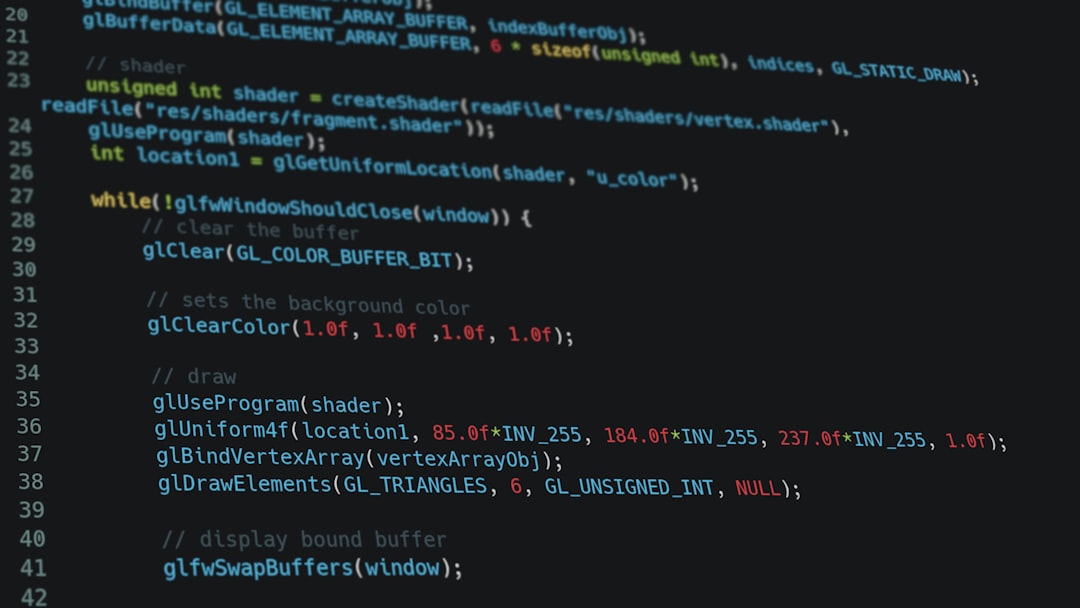
Last week, it took me exactly 3 minutes to generate a 420-line API file using Cursor, and then it took me 5 and a half hours just to find a silly logic error it had tucked right into the middle of the workflow. The harsh truth is that current AI coding tools aren’t as miraculous as those demo videos online make them out to be.
Typing Speed Isn’t Everything
Most of us confuse “typing code fast” with “completing features fast.” Tools like Cursor or Windsurf are currently solving the former very well. They generate hundreds of lines of boilerplate in the blink of an eye.
But a software engineer’s bottleneck has never been typing speed. The core issue of programming lies in understanding the system, designing architecture, and handling edge cases. When you offload the typing to AI, you feel like you’re being highly productive, but in reality, you’re just shifting your technical debt payment to the testing phase.
The Illusion of Productivity
I used to think that just plugging Claude Sonnet 4.6 into Cursor would be enough to 10x my project completion speed. But after 4 months of real-world use at my company, it turns out I’m just 10x-ing the amount of junk code that needs maintenance.
From 115 original lines of code needed for a basic calculation logic, the AI spat out 342 lines with all sorts of redundant libraries and unnecessarily complex patterns. It makes everything look professional, but it’s incredibly difficult to scale later on.
The Nightmare of Debugging AI Code
Contextual Disruption
AI is great at handling independent tasks. But when you have a large repo, things start to get messy. It doesn’t understand why Module A needs to call through a message queue instead of calling Module B directly.
If you over-rely on auto-complete features, you’ll fall into the situation mentioned in the article Don’t Let AI Stifle Your Systems Thinking. You gradually lose the ability to connect the dots in your own mind.
Blind Dependency on Suggestions
When an error occurs in code you wrote yourself, you know exactly where to look. When an error occurs in code generated by GitHub Copilot, you have to reverse-engineer the “thinking” of a machine. This feeling is exactly like maintaining a pile of legacy junk code left behind by a previous developer.
When AI Truly Shines
Writing Unit Tests and Regex
This is where I find these tools worth every penny. Understanding function logic and generating edge cases is something AI does excellently. Powerful models like GPT-5.2 or Claude Opus 4.6 handle this part smoothly, helping project coverage increase significantly.
Language Conversion
Need to convert a Python script to Golang? AI does it in 10 seconds with very high accuracy. I recently tested the reasoning capabilities of new models in the post GPT-5 vs Gemini 2.5 Pro: A Quick Review, and it’s clear that tasks with specific inputs/outputs are their absolute strength.
Comparing Popular Tools
| Tool | Preferred Engine | Best For | Biggest Weakness |
|---|---|---|---|
| Cursor | Claude Sonnet 4.6 | Refactoring large files | Easily breaks old context |
| Windsurf | Various models | Generating projects from scratch | UI is still a bit cluttered |
| Copilot | Claude Sonnet 4.5 | Line-by-line suggestions | Responses can be slow sometimes |
How I Use AI Without Getting “Code-Drunk”
- Write interfaces and define data types yourself. Never let the AI guess your core data structures.
- Force the AI to explain before writing. Ask it to provide a plan in plain text; if the plan is logically sound, only then allow it to generate code.
- Turn off auto-complete when designing logic flows. I only turn Copilot or Cursor Tab back on when I need to type repetitive boilerplate code.
Practical Questions
Is GPT-5.2 better at coding than Claude Sonnet 4.6?
Not necessarily. GPT-5.2 is strong in overall logical reasoning flows, but Sonnet 4.6 is still a “beast” when it comes to precise syntax and maintaining formatting in long files.
Should I stop learning basic coding altogether?
Absolutely not. If you don’t know how to code, you can’t tell where the AI is going wrong. You’ll just become a blind typist.
What is the best value-for-money tool right now?
Personally, I’m still paying for Cursor. Despite its weaknesses, if you know how to control it and limit its permissions, it still saves me about 2 hours a day on tedious tasks.
Final Thoughts
AI coding tools are like a chainsaw. If you know how to use one, it cuts wood incredibly fast. But if you swing it blindly, you’re the one who gets cut. Use AI like a fast-typing intern who is prone to small mistakes—never treat it as a senior dev and hand over your entire project architecture to it. Typing speed is meaningless if you’re heading in the wrong direction.