
AI Coding Tools: Real Speed or Just More Technical Debt?
AI coding offers an illusion of speed, but the real cost is mounting technical debt and endless debugging.
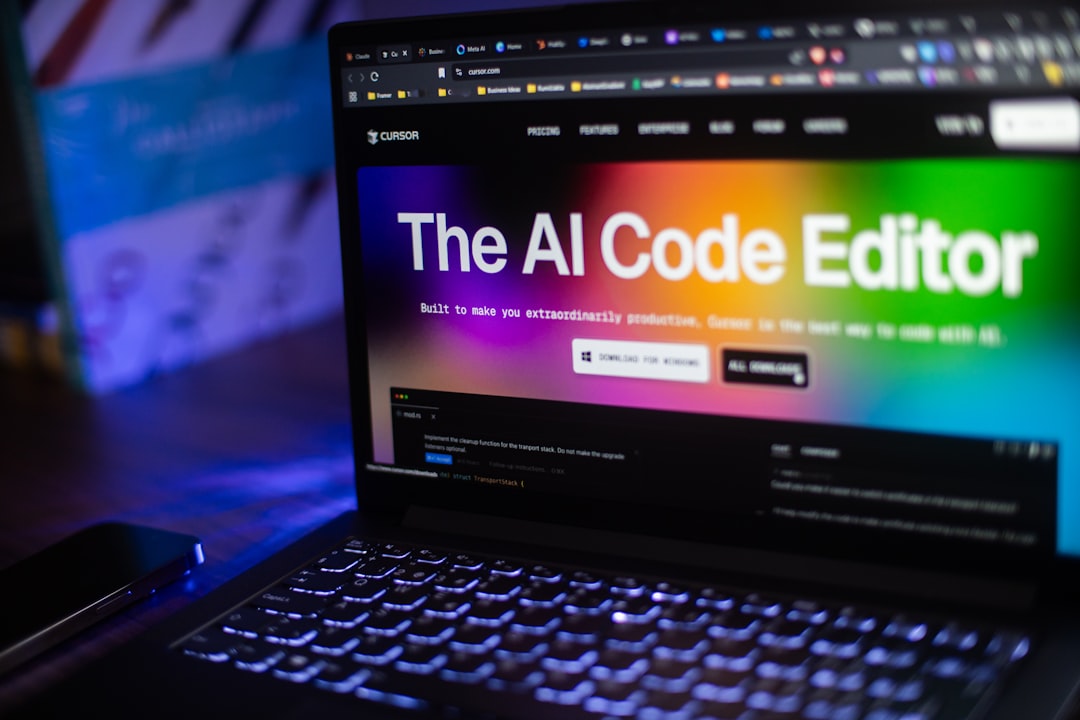
Last week, I spent exactly 14 hours just to untangle a mess of payment logic that Cursor automatically generated in an internal project. It felt exactly like I was cleaning up after an overenthusiastic but inexperienced intern.
The Illusion of Speed
Most people might disagree, but here is why I think the opposite: current AI coding tools don’t make you code faster; they only make you type faster. When the latest models like GPT-5.2 or Claude Sonnet 4.6 are released, the tech community constantly boasts about building apps in just a few hours.
But typing code has never been the bottleneck for a Software Engineer. Reading code, understanding the system context, and anticipating edge cases—those are the real challenges. AI tools are solving the wrong problem. They optimize the speed of text output instead of optimizing the quality of the system.
Fast at First, Pay the Price Later
The Problem of Blind Confidence
When using Windsurf or Cursor, the feeling of watching code pour onto the screen is truly addictive. You type a comment describing a requirement, hit Tab, and a 150-line function immediately appears. It looks perfect.
But reality is much harsher. Recently, I discovered a data processing file generated by an AI that automatically looped database queries instead of using batching. It went from 47 API calls down to 6—and that’s not an estimate; those are actual logs from my system after I completely scrapped and rewrote the code that the AI had confidently suggested. It worked, but it worked in the stupidest way possible.
The Consequences of Invisible Technical Debt
Garbage in the Codebase
Every time you accept a snippet from GitHub Copilot without reading every line carefully, you are directly taking on technical debt. AI tends to write “safe,” verbose code and repeat old patterns. It lacks the elegance of a lean design mindset.
In the long run, your project will turn into a messy “melting pot.” When that happens, the time spent maintaining and debugging will completely outweigh the hours you thought you saved at the beginning. If you don’t yet understand how to navigate these models, read the post Prompt Engineering: Đừng Thần Thánh Hoá Nó to master the essence of communicating with machines.
Truly Effective Use Cases
The Boring and Repetitive Tasks
Don’t use AI to design the core architecture of your software. Use it to write Unit Tests, handle complex regex, or convert data formats.
When I needed to migrate a large volume of JSON data to TypeScript interfaces, Gemini 3.1 Pro performed excellently. These tools are exactly like an electric drill. They are great for drilling holes in walls, but you wouldn’t use a drill to hammer a nail or design the blueprints for a house.
Quick Tool Comparison
| Tool | Strongest Point | Critical Weakness | Best For |
|---|---|---|---|
| Cursor | Deep IDE integration, excellent file context. | Often takes the liberty of modifying code outside the requested scope. | Refactoring small projects, prototyping. |
| Windsurf | Intuitive interface, smooth workflow. | Model suggestions can sometimes be too slow to respond. | Devs who prefer tight control over every line of code. |
| GitHub Copilot | Very stable, supports Claude Sonnet 4.5 backend. | Fewer automated agentic features, quite passive. | Enterprise environments, large teams. |
Survival Rules with AI
- Never hit Tab blindly. If you look at the screen and don’t understand what that code does within 30 seconds, absolutely do not commit it to the project.
- Strictly limit context. Don’t dump a massive project folder into the chat window. Clearly specify the specific files and functions you want the model to focus on.
- Write the core logic yourself. Core algorithms that directly affect performance, cash flow, or security must be typed by your own hand. No exceptions.
- Make AI write tests first. Force the AI to write Unit Tests before generating the main logic. This approach is extremely effective at limiting model hallucinations.
Frequently Asked Questions
Can AI completely replace a developer?
No. It only threatens “code monkeys” who type mechanically without systemic thinking. Real software engineers are paid to solve business problems, not just to write syntax.
Which model is currently the best for coding?
It depends on the complexity of the problem. If you are debating between Anthropic’s top models for coding, check out the post Sonnet 4 hay Opus 4? Chọn đúng AI, không phí tiền to make an informed decision.
How do I prevent AI from ruining my project structure?
Always use Git meticulously. Review AI-generated code exactly the same way you would review a human colleague’s pull request. Do not trust it blindly.
Conclusion
I still turn on Cursor every day when I work. But I view it as a tool for muscle support, absolutely not as a brain replacement.
Typing speed has never made a great software product. The ability to say “no” to bad code, regardless of whether it was generated in a millisecond by an AI or by a human, is what defines your true value in this industry.