
Slow Productivity: A Manifesto for Devs in the AI Era
I read Cal Newport's "Slow Productivity" and realized that slowing down our coding process is the only way to survive as AI continues to accelerate.
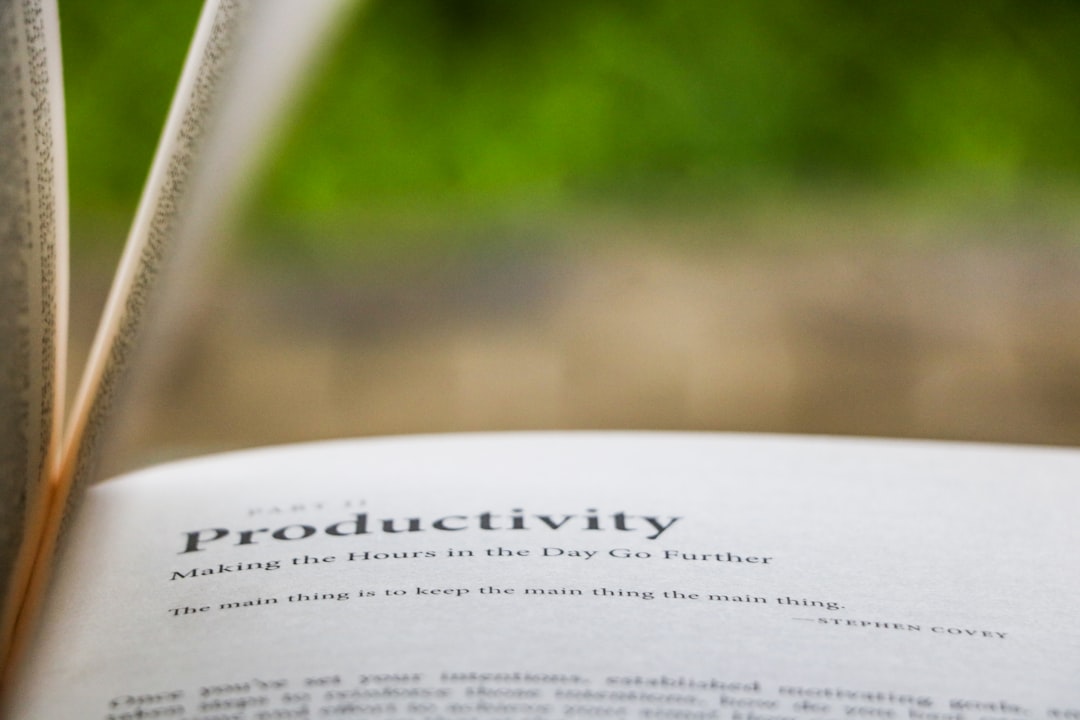
Last week, a colleague asked me why I’ve been committing significantly less code lately, even though I’m using Cursor. I simply told him that I’m switching to “slow mode” to avoid being swallowed whole by AI.
What is Slow Productivity, really?
I recently finished Slow Productivity: The Lost Art of Accomplishment Without Burnout by Cal Newport, published in 2024. This book emerged as an answer to the post-remote-work wave of burnout. It takes aim at a concept Newport calls “pseudo-productivity.”
Pseudo-productivity is when you use visible activity as a yardstick for work. Replying to emails instantly, staying “green” on Slack all day, or churning out dozens of tiny, fragmented pull requests. In the software industry, this is incredibly toxic. As AI tools like Claude Sonnet 3.5 or GPT-5 can spit out hundreds of lines of code in seconds, the pressure to “look busy” has reached an all-time high.
But writing code fast doesn’t equate to creating high value. According to the author’s official website (https://calnewport.com), there are three core principles to escaping this trap: Do fewer things. Work at a natural pace. And obsess over quality.
Doing fewer things to do the right things
The speed trap of AI tools
When you use Windsurf or Cursor, the AI types so fast that you might get the illusion you can handle triple your normal workload. I used to fall into the trap of blindly accepting every minor task thrown my way. The result? I’d be exhausted by the end of the day, yet the system was riddled with logic errors.
Doing less doesn’t mean being lazy. It means focusing your energy on complex problems that AI can’t solve on its own. You need time to sit in silence and think about system architecture. If you recall the post Deep Work is dead in the era of Cursor, you’ll see that the line between deep thinking and becoming a glorified “typing machine” is becoming very thin.
Working at a natural pace
Embracing “slow coding seasons”
Humans aren’t AWS servers running 24/7. We have phases of high productivity and times when we need to gear down. (This might sound counter-intuitive in the IT industry, but let me explain).
In software projects, there are weeks where you need to sprint for a release. But after that, you need a “slow season” to refactor code, read documentation, or simply clear out technical debt. If you try to sprint year-round with the help of AI, you will burn out. This burnout doesn’t just come from a lack of sleep; it comes from cognitive overload caused by constant context-switching between dozens of AI-generated files.
Obsessing over quality instead of quantity
Quality in the AI era
Today, anyone can build a basic CRUD app in an afternoon. The difference between a senior developer and a “code typist” lies in quality. GPT-5.2 might be great at writing boilerplate, but it doesn’t understand your company’s specific business context.
Instead of counting the number of features completed, look at the stability of the system. You might spend an entire day just reviewing AI code and fine-tuning a single algorithm. Slow but steady. Sometimes, choosing the right AI model to solve a complex problem takes time in itself. You can refer to the post Sonnet 4 vs Opus 4: Don’t waste your money to understand why choosing tools carefully is more important than jumping straight into coding.
Slow Productivity - Cal Newport
Check price on Shopee →* Affiliate link - price remains the same for you
Pseudo-Productivity vs. Slow Productivity
| Criteria | Pseudo-Productivity | Slow Productivity | Notes |
|---|---|---|---|
| Metric | Number of commits, time spent online | Architectural stability, actual impact | AI is inflating commit counts |
| Speed | Trying to respond to messages instantly | Accepting slow responses to maintain focus | Turn off Slack during deep work |
| Mindset | Complete as many tasks as possible | Select core tasks to do exceptionally well | Ideal for senior devs and freelancers |
How to apply Slow Productivity as a Dev
To put this philosophy into practice while working with AI, I follow these steps:
- Limit the number of open tasks. I never keep more than three tasks “In Progress” on Jira. If AI helps me finish one quickly, I’ll polish it 100% before pulling a new task.
- Separate thinking time from prompting time. Don’t try to think while typing a prompt. Sketch it out on paper or write pseudo-code first, then ask the AI to execute.
- Accept days with zero lines of code. There are days when your job is simply to read logs, analyze errors, and find the root cause. Don’t feel guilty about it.
FAQ
Is this book suitable for freshers?
Freshers often don’t have much autonomy over their schedules, so it might be hard to apply fully. However, the mindset of focusing on quality over quantity is still extremely valuable for building a strong foundation.
What if my boss evaluates me by commit count?
That’s a micromanagement environment. Slow Productivity points out that this management style is a relic of factory work. If you can’t change how your boss evaluates you, use AI to automate the busywork and save your energy for the tasks that actually matter.
Does Slow Productivity go against Agile?
Not at all. Agile is about breaking down work to manage risk and respond to change. Slow productivity helps you maintain quality within each sprint without burning out after a few months.
Conclusion
Reading Slow Productivity helped me realize a harsh truth: if we continue to race against machines, we will inevitably lose. The value of a software engineer no longer lies in how fast they can type, but in their ability to say no to trivial tasks and focus on building robust systems. Slow down a little, and you’ll find you can go much further.