
Reviving Your Shopify Blog with Pinterest
Turn a quiet Shopify blog into a traffic magnet from Pinterest using an automated workflow for articles and pin creation.
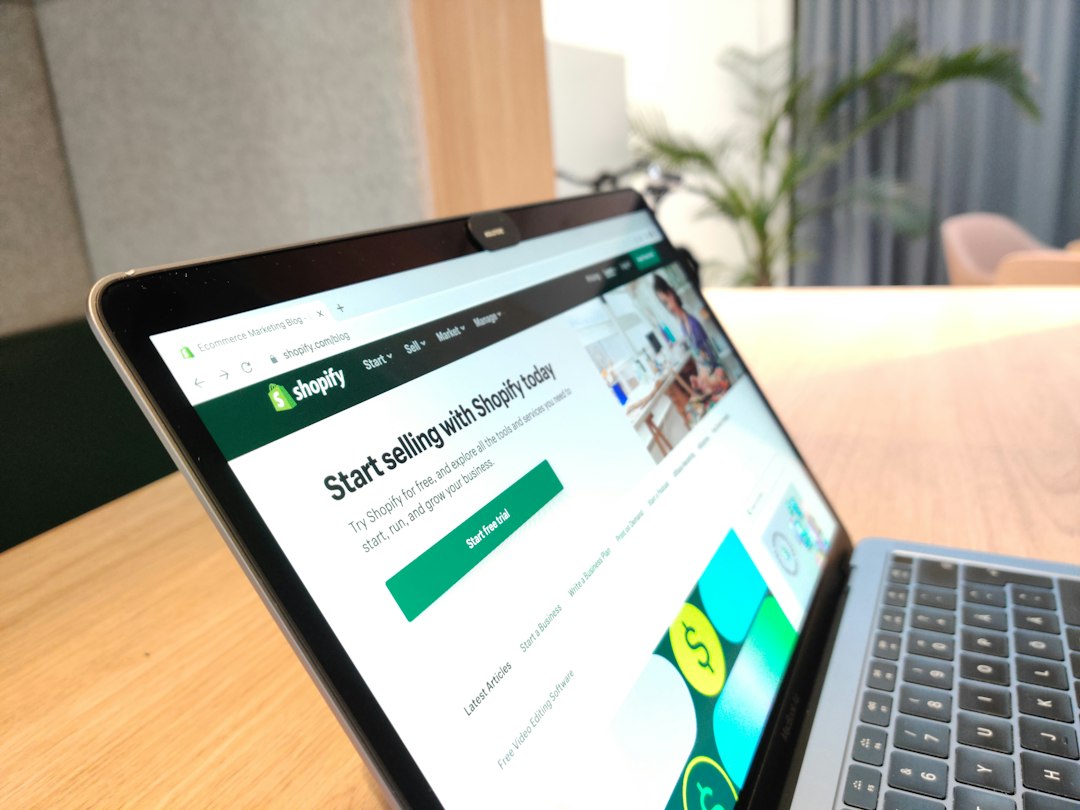
You work hard writing SEO-optimized posts in Google Docs, upload images to Canva, and then completely forget to share the links on Pinterest—leaving your Shopify blog to gather dust month after month. This breakdown in workflow between tools and the resulting procrastination is exactly why your articles aren’t getting any readers.
What is Awenvia?
Awenvia (https://awenvia.com) is a content operations tool I built specifically for Shopify store owners, dropshipping teams, and affiliates. Instead of tedious copy-pasting across different platforms, you have a single unified workflow: Source, Draft, Optimize, Approve, Publish/Export.
Every SEO-ready article, Pinterest pin, and Instagram post is generated from one initial idea. From there, content is pushed directly to your store and connected social media accounts without you ever needing to download a single file.
How to use it
To revive your blog, you need to connect your Shopify store and Pinterest account to Awenvia. Next, enter a product URL or a blog post idea into the Source step. The system will generate a Draft for an SEO-standard blog post and automatically slice that content into Pinterest pins during the Optimize step.
You simply Approve and hit Publish to send the post to your blog, while the pins simultaneously appear on your Pinterest boards. If you’re new to this, you can check out how to create 5 Pinterest Pins from 1 Shopify link lightning fast to get a clearer picture of this workflow.
A Builder’s Perspective
I built Awenvia because I saw too many shops spending money on ads while completely ignoring the massive source of organic traffic available on Pinterest. Current tools force you to work in disconnected steps. With Awenvia v0.3.0, my goal is to unify the content workflow so that a blog post is never forgotten.
Coming up, I will further refine the ability to automatically group Pinterest boards for better display optimization. If you’re interested in this area, you can refer to my analysis on Pinterest Image SEO: A Sustainable Traffic Anchor for 2026.
Practical Advice
If your blog is currently a ghost town, combining blogging with Pinterest is an excellent way to drive traffic. However, keep in mind that Awenvia is currently in version 0.3.0 and is still a work in progress.
The interface can occasionally be less than smooth when handling posts with many heavy images. While there isn’t official pricing yet, you can use the 14-day free trial (no credit card required) to see if this workflow fits your team.
Want to try Awenvia for free?
14-day free trial available, no card required.
Start Free Trial →* Learn more at awenvia.com
Frequently Asked Questions
Does Awenvia post automatically to Shopify?
Yes. When you click Publish at the final step, the article is pushed directly to the Blog section of your connected Shopify store.
How can I get more traffic from Pinterest to my blog?
You need to maintain a consistent posting frequency for pins that link back to your blog posts. Setting up a 14-day Pinterest coverage for Shopify stores strategy is a great way to start regaining traffic.
Does this tool require a credit card for the trial?
No. Version 0.3.0 currently allows you to fully experience the tool for 14 days without entering any payment information.
Conclusion
Maintaining a blog isn’t the hard part; the hard part is making sure those posts reach the right buyers. I believe Pinterest is the perfect missing piece for visual-centric retail shops. Start by standardizing your posting process, cutting out unnecessary manual tasks, and using that saved time to focus on better product research.